Calendar
Calendar
Monthly planning view.
Calendar displays scheduled work, availability events, holidays and absence information in a monthly planning view that stakeholders can understand quickly.
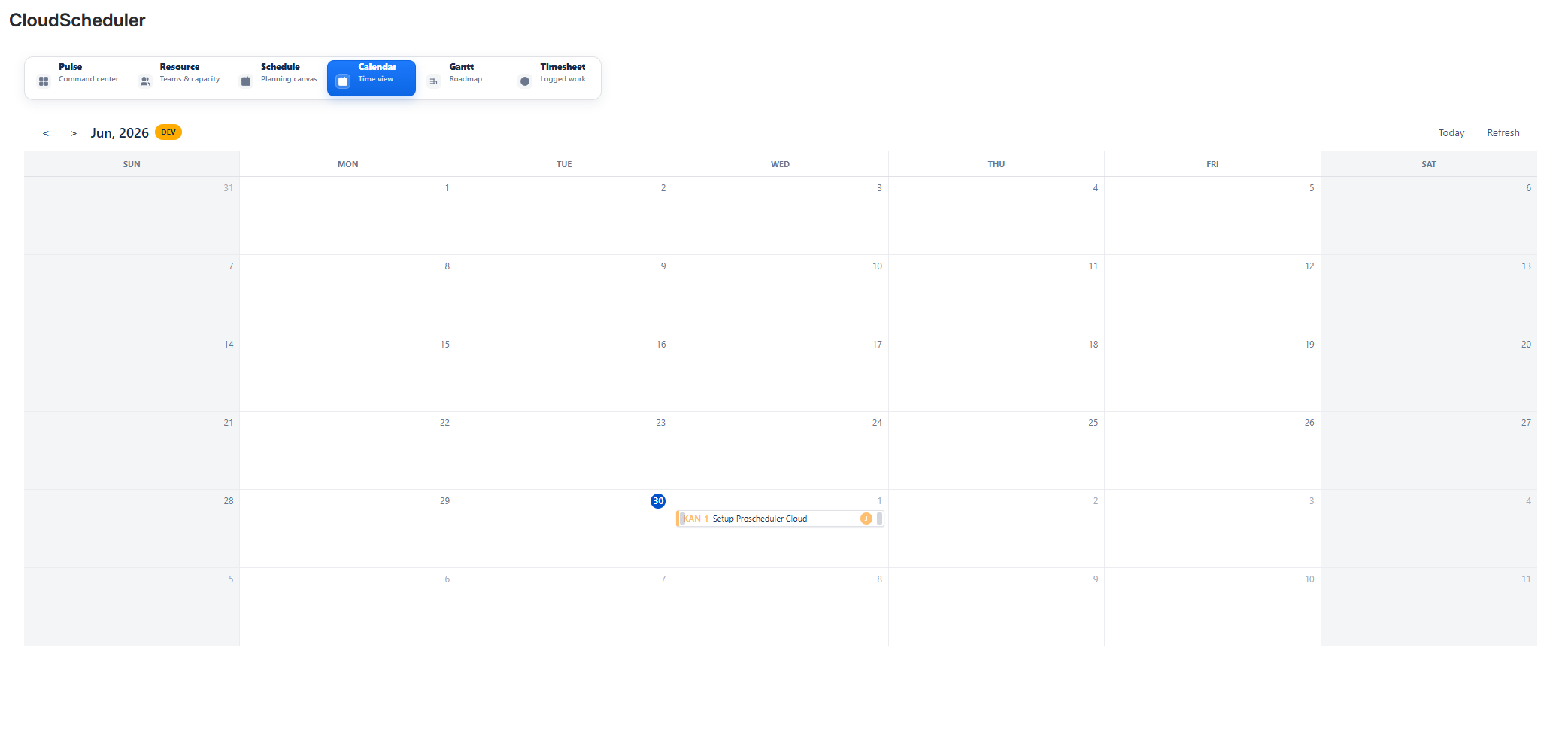
CalendarAdd screenshot: assets/04-calendar.png
What teams can do
- Review planned work in a monthly view.
- Make planned work readable for stakeholders and delivery teams.
- Spot busy periods, availability constraints and planning conflicts.
Typical workflow
- Open Calendar from the Cloud Scheduler navigation.
- Review the relevant planning information in the Jira project context.
- Adjust related planning information in Resource, Schedule, Calendar, Gantt, Timesheet or Pulse.