Schedule
Schedule
Visual planning board.
Schedule is the operational planning board where planned tasks are created, assigned to resources and linked to Jira issues or Jira work items.
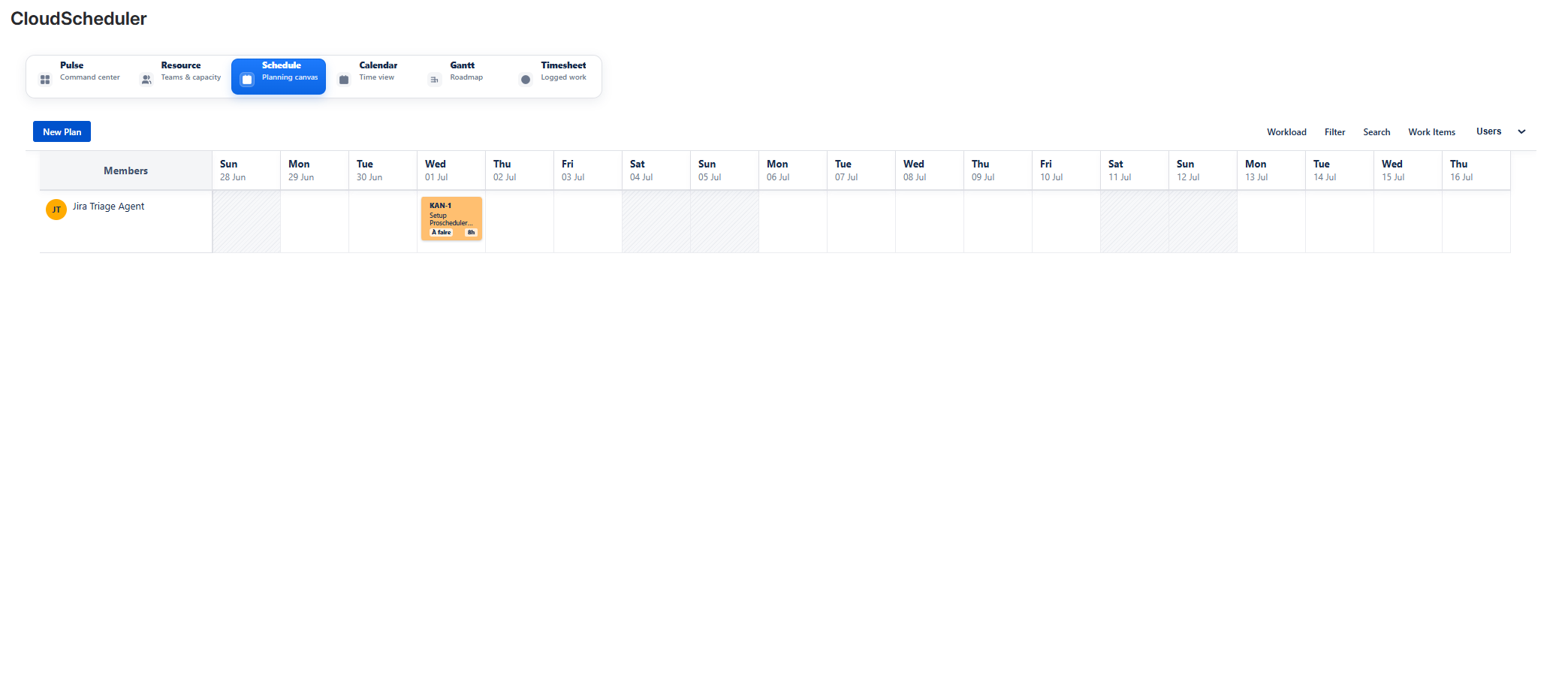
ScheduleAdd screenshot: assets/03-schedule.png
What teams can do
- Create planned work linked to Jira tickets.
- Assign work to resources, dates and planned hours.
- Use notes, colors and filters to make resource allocation clear.
Typical workflow
- Open Schedule from the Cloud Scheduler navigation.
- Review the relevant planning information in the Jira project context.
- Adjust related planning information in Resource, Schedule, Calendar, Gantt, Timesheet or Pulse.