Timesheet
Timesheet
Planned versus logged follow-up.
Timesheet compares planned effort with Jira logged work so teams can understand execution gaps and improve future planning accuracy.
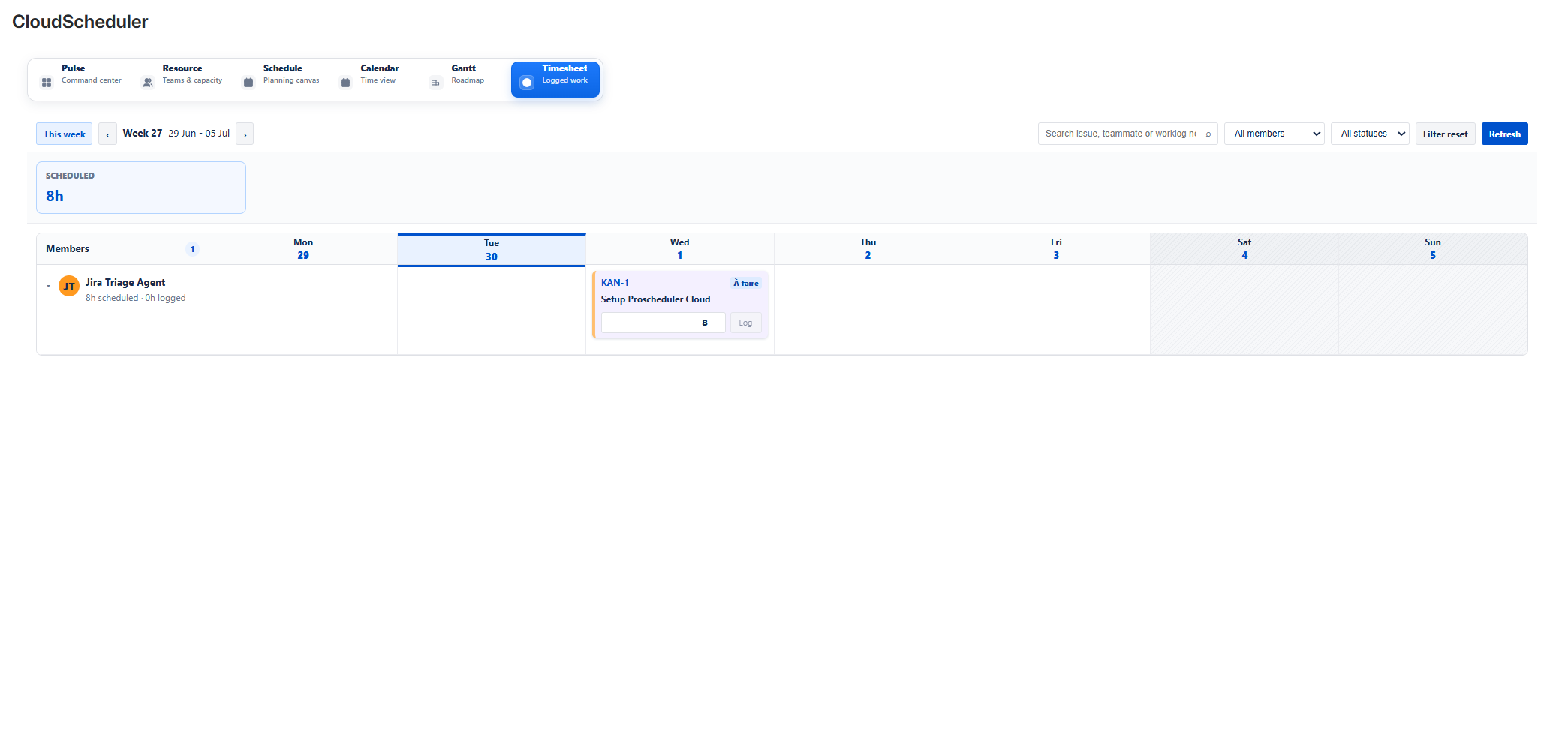
TimesheetAdd screenshot: assets/06-timesheet.png
What teams can do
- Compare planned hours with Jira worklogs.
- Detect gaps between forecast and execution.
- Improve estimation, capacity planning and follow-up cycles.
Typical workflow
- Open Timesheet from the Cloud Scheduler navigation.
- Review the relevant planning information in the Jira project context.
- Adjust related planning information in Resource, Schedule, Calendar, Gantt, Timesheet or Pulse.