Resource
Resource
People, groups and capacity.
Resource is where planning capacity is prepared. Teams can organize Jira users, Jira groups, generic resources and Cloud Scheduler groups before assigning work.
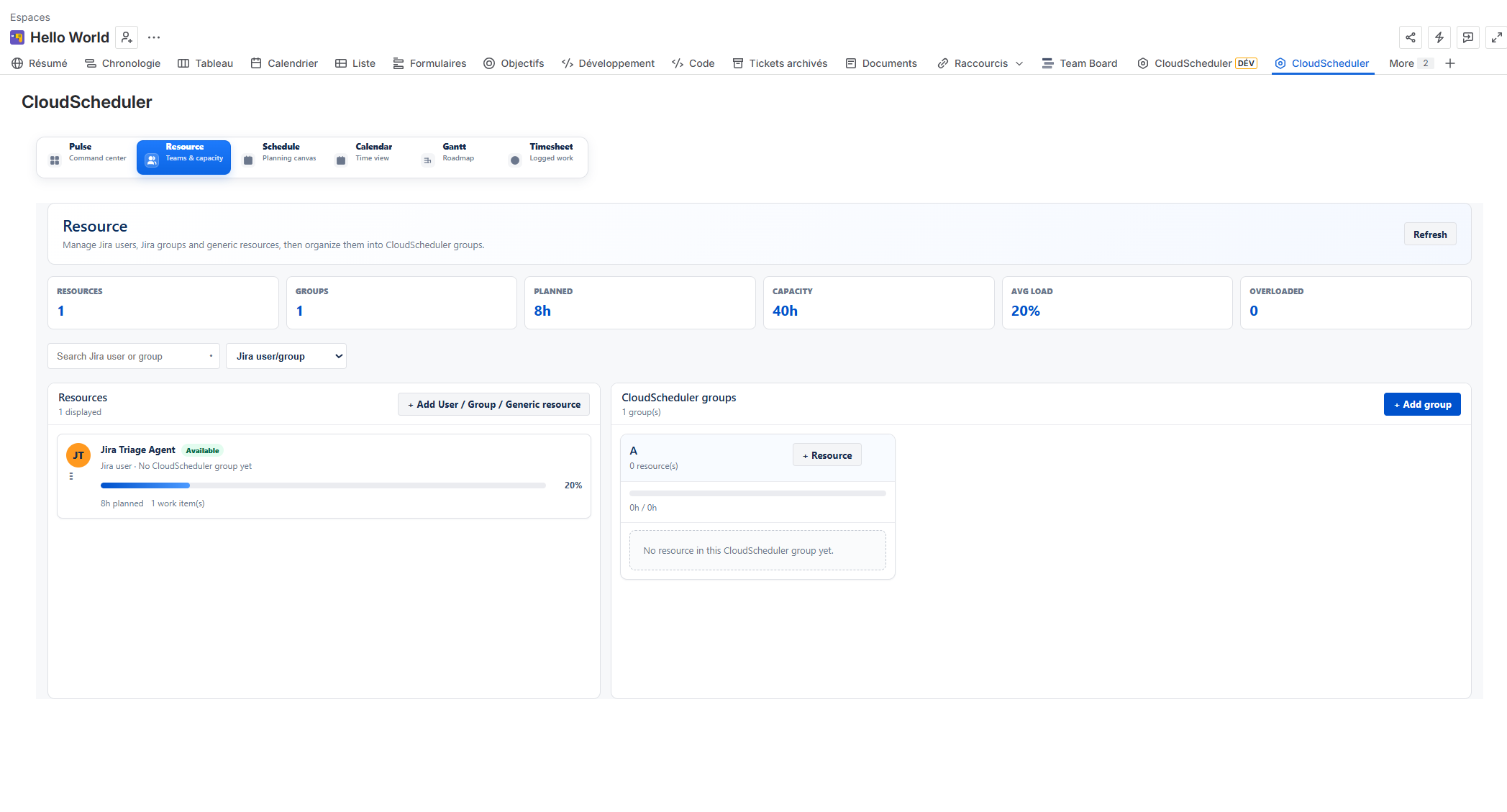
ResourceAdd screenshot: assets/02-resource.png
What teams can do
- Add Jira users and Jira groups as planning resources.
- Create Cloud Scheduler groups for teams, skills, departments or delivery streams.
- Prepare capacity structure before using Schedule, Calendar, Gantt, Timesheet and Pulse.
Typical workflow
- Open Resource from the Cloud Scheduler navigation.
- Review the relevant planning information in the Jira project context.
- Adjust related planning information in Resource, Schedule, Calendar, Gantt, Timesheet or Pulse.